Skip to Main Content

Control light effortlessly with a click, tap or voice command! Explore now.

Become a dealerDealer ResourcesContact us
  • How It Works
Find My Local Dealer
    • Motorized Blinds and Shades
    • Honeycomb Shades
    • Roller Shades
    • Banded Shades
    • Sheer Shadings
    • Wood Blinds
    • Faux Wood Blinds
    • Natural Woven Shades
    • Vertical Blinds
    • Custom Shutters
    • Aluminum Blinds
    • See All Products
    • Blog
    • Inspiration Gallery
  • How It Works
  • Become a dealer
  • Dealer Resources
  • Contact us
  • Find My Local Dealer

BLISS Automation Resources

BLISS 2.0 User Guides

BLISS 2.0 App SetupBLISS 2.0 Remote GuideBLISS 2.0 Bridge GuideBLISS 2.0 Roller ShadesBLISS 2.0 Banded ShadesBLISS 2.0 Honeycomb ShadesBLISS 2.0 Honeycomb SkylightBLISS 2.0 Sheer ShadingsBLISS 2.0 Wood & Faux Wood BlindsBLISS 2.0 Natural Woven ShadesBLISS DC Power Distribution PanelBLISS 2.0 Control4 Driver Download

Legacy BLISS 1.0 Guides

BLISS 1.0 15 Channel Remote ControlBLISS 1.0 Top-Down/Bottom-Up Remote ControlBLISS 1.0 Smart Hub & AppBLISS 1.0 Surface Mounted Wall SwitchBLISS 1.0 BridgeBLISS 1.0 Bridge & AppBLISS 1.0 Serial BridgeBLISS (1.0) 10.0 AC MotorBLISS DC Power Distribution PanelBLISS 1.0 Solar PanelBLISS 1.0 Google Home Voice ControlBLISS 1.0 Amazon Alexa Voice-ControlBLISS 1.0 Control4 DriverBLISS 1.0 Bridge Changing Wi-Fi NetworksBLISS 1.0 Bridge Firmware Update

Videos

  • BLISS Automation

    BLISS Automation 2.0: Modifying a favorite position

  • BLISS Automation

    BLISS Automation 2.0: Limit Adjustments

  • BLISS Automation

    BLISS Automation 2.0: Deactivating Ship Mode for Internal Rechargeable Battery (IRB) Shades

  • BLISS Automation

    BLISS Automation 2.0: How to Add a Bridge

  • BLISS Automation

    BLISS Automation 2.0: Transferring Ownership of the Home

  • BLISS Automation

    BLISS Automation 2.0: How to Create Scenes and Timers

  • BLISS Automation

    BLISS Automation 2.0: Adding a Remote to the App

  • BLISS Automation

    BLISS Automation 2.0: How to Add Shades to the App

Articles

  • https://cdn.sanity.io/images/e1syw5oe/production/2a164700b80fbc9b74ea4f3ba9a279a18e0068a1-1601x900.webp

    Motorized Blinds and Shades

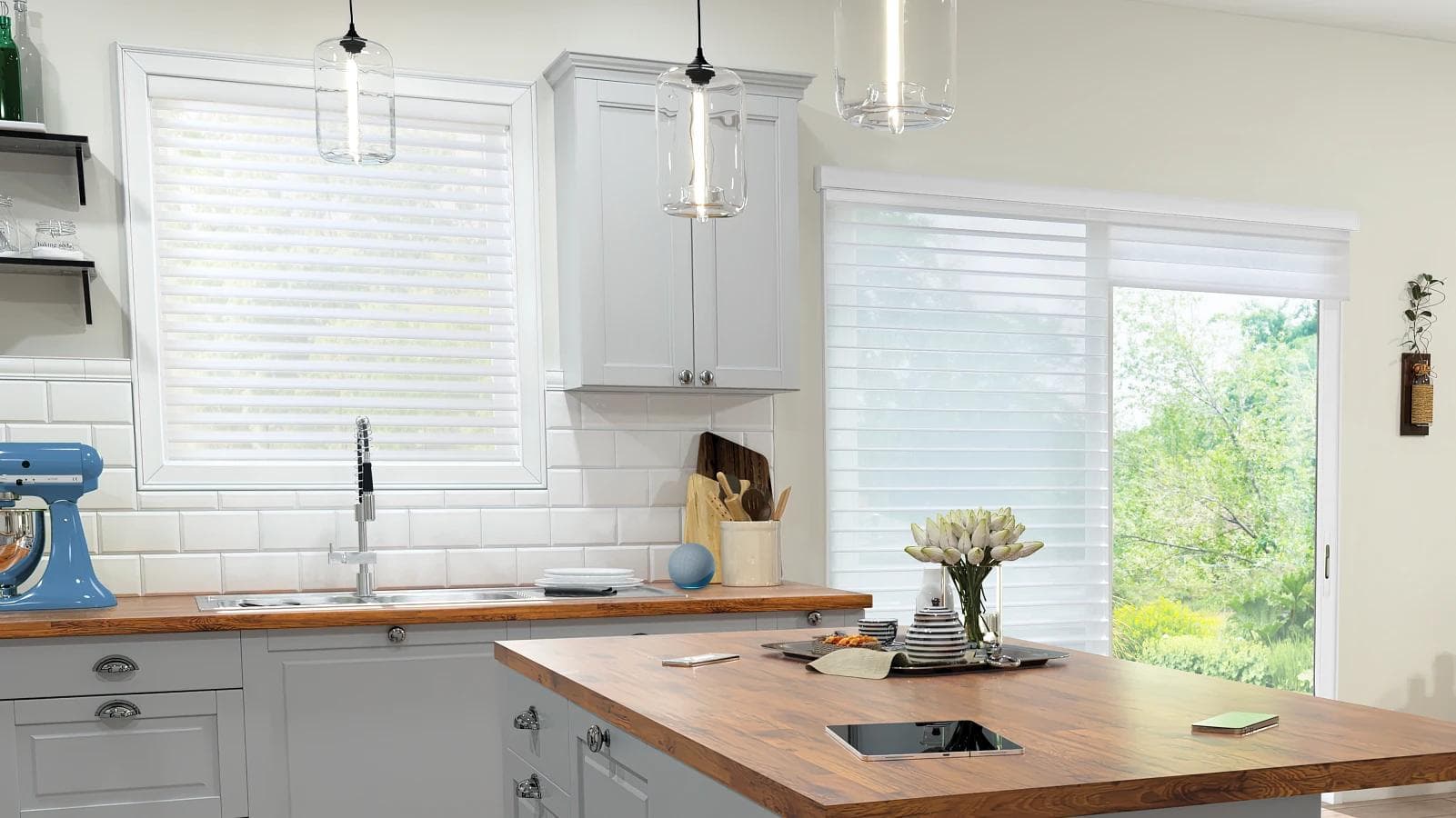
    Are Motorized Blinds and Shades Really Worth It?

    Reading the latest home blogs and design magazines may make you wonder if motorized blinds and shade...
    Read this post
  • https://cdn.sanity.io/images/e1syw5oe/production/3942e60cf2030656bf5586cd399829177d7c8cd1-1600x900.webp

    Window Treatments

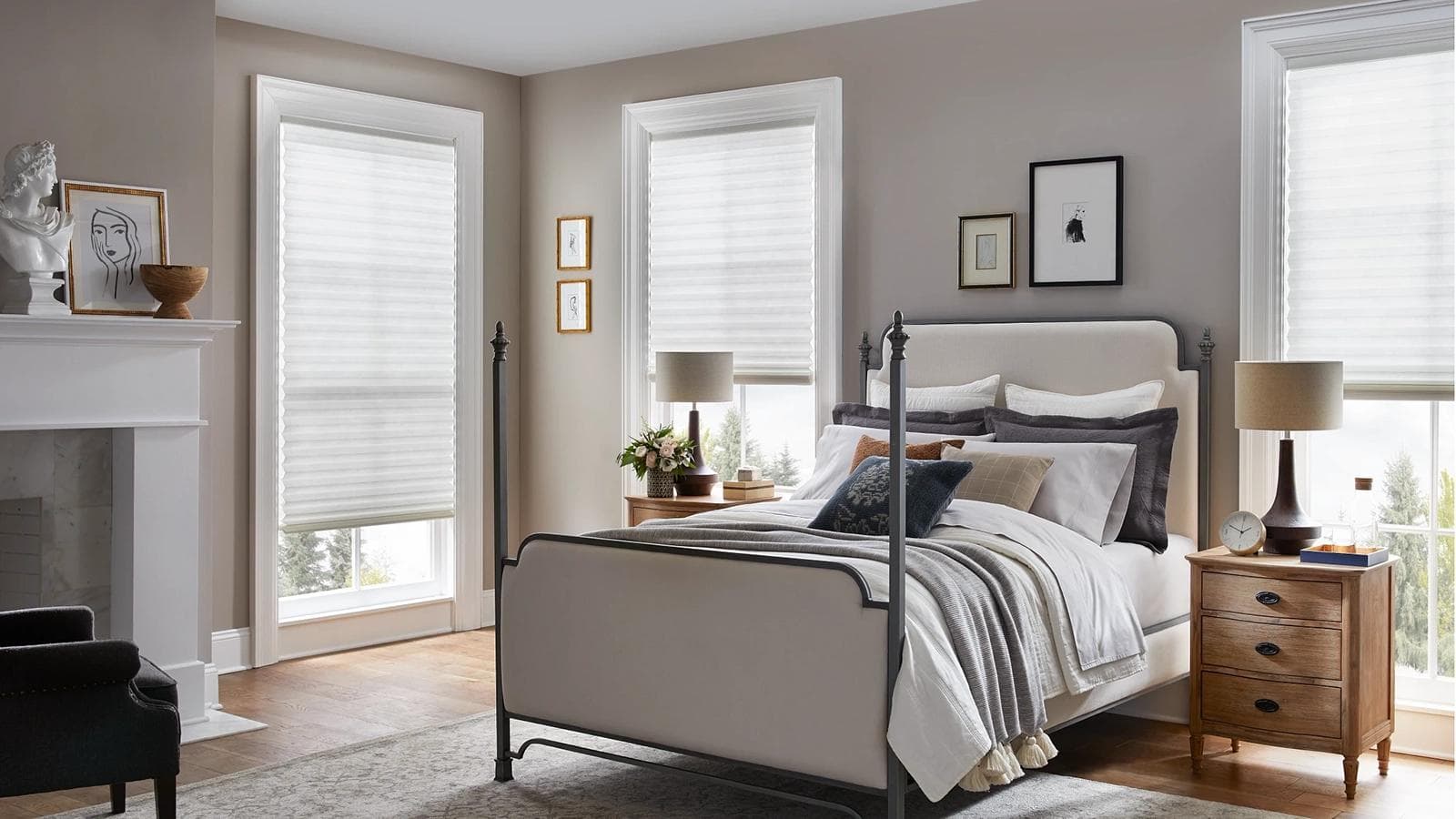
    4 Bedroom Window Treatment Ideas

    When the day comes to an end and it’s time to relax and unwind, it’s important to have a peaceful pl...
    Read this post
  • https://cdn.sanity.io/images/e1syw5oe/production/dcf9084561a834325abc4a1bcff805c57d09f0f1-2048x1152.webp

    Motorized Blinds and Shades

    8 Benefits of Motorized Blinds & Shades

    Reinvent the way you enjoy window treatments in your home by discovering the benefits of motorized b...

    Read this post

Find A Dealer Near You

Enter your address, city, state or zip code to find dealers in your area.

  • Window Treatments

    • Motorized Blinds and Shades
    • Honeycomb Shades
    • Roller Shades
    • Banded Shades
    • Sheer Shadings
    • Wood Blinds
    • Faux Wood Blinds
    • Natural Woven Shades
    • Vertical Blinds
    • Custom Shutters
    • Aluminum Blinds
    • See All Products
  • Ideas & Inspiration

    • Blog
    • Inspiration Gallery
  • For Customers

    • Contact us
    • Product Resources
    • Automation Support
    • FAQs
    • Solutions
    • Child Safety
    • Energy-Efficiency
    • Healthy Home
    • How It Works
    • Maintenance and Warranty
  • For Dealers

    • Become a dealer
    • Dealer Resources
  • Alta Window Fashions

    • About Us
    • Instagram
    • Facebook
    • YouTube

© 2026 Alta Window Fashions. All rights reserved.

Privacy Policy•Terms of Use•Do Not Sell or Share My Personal Information